

Let’s be honest: Managing a nonprofit is hard work. You are likely wearing three different hats right now. You are the fundraiser, the program director, and suddenly, you are expected to be a social media expert, too.
You know you need to post online to find donors and recruit volunteers. But you simply don’t have time to log into Facebook, Instagram, LinkedIn, and TikTok separately every single day. This is the “consistency trap”—you know you need to be visible, but the administrative burden is burning you out.
You need a tool to handle it for you. But you also have a tight budget (or maybe no budget at all).
The good news? Most big tech companies want to help. They offer massive discounts to nonprofits—if you know where to look.
In this guide, I’m skipping the complex jargon. I have tested the top tools to find the ones that are easy to use, cheap (or free), and actually save you time.
⚡Quick Summary: Which Tool Should You Pick?
Don’t have time to read the whole thing? Here is the cheat sheet for 2025.
| If you are... | You should use... | Why? |
|---|---|---|
| Budget-Conscious | Buffer | Best 50% discount for small teams. |
| Zero Budget | Meta Business Suite | Free and native to Facebook/Instagram. |
| A Visual Storyteller | Later | Best for Instagram & TikTok visuals. |
| A Large Team | Hootsuite | Best for bulk scheduling & social listening. |
| A Designer | Canva | It has a scheduler built right in! |
| Data-Driven | Sprout Social | Best for proving ROI to your Board. |
| Growing Fast | SocialPilot | Cheapest way to manage multiple team members. |
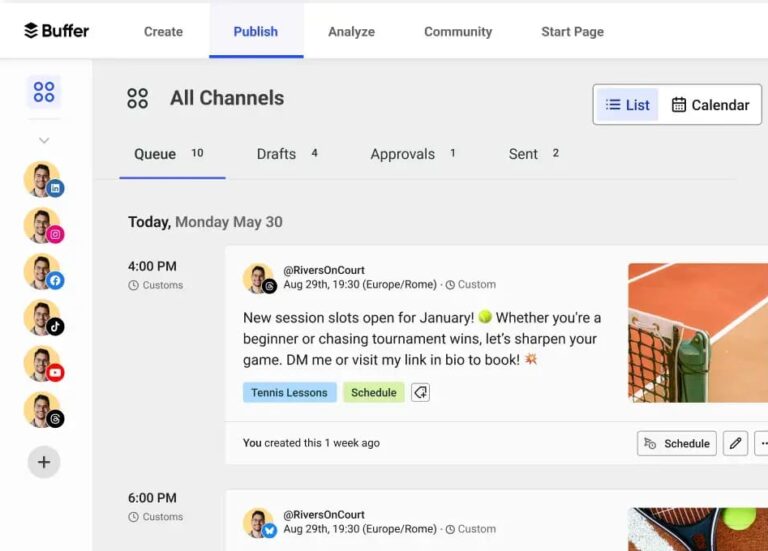
1. Buffer: The Best Choice for Most Nonprofits
Best For: Small teams who want something simple.
If you are a team of one or two people, Buffer is your best friend. It doesn’t have a million confusing buttons. It just works. You connect your accounts, drag your photos onto a calendar, and you’re done.
Why I love it for nonprofits:
Buffer is very generous. They offer a 50% discount on all their plans for registered nonprofits. This makes their “Essentials” plan incredibly cheap (about $3 per channel/month).
Pros:
✅ Super easy interface: Volunteers can learn it in 10 minutes.
✅ Transparent Discount: 50% off is applied to every plan.
✅ Drafts Feature: Lets volunteers write posts for you to approve later.
Cons: ❌ Analytics (reports) are a bit basic on the cheap plan.
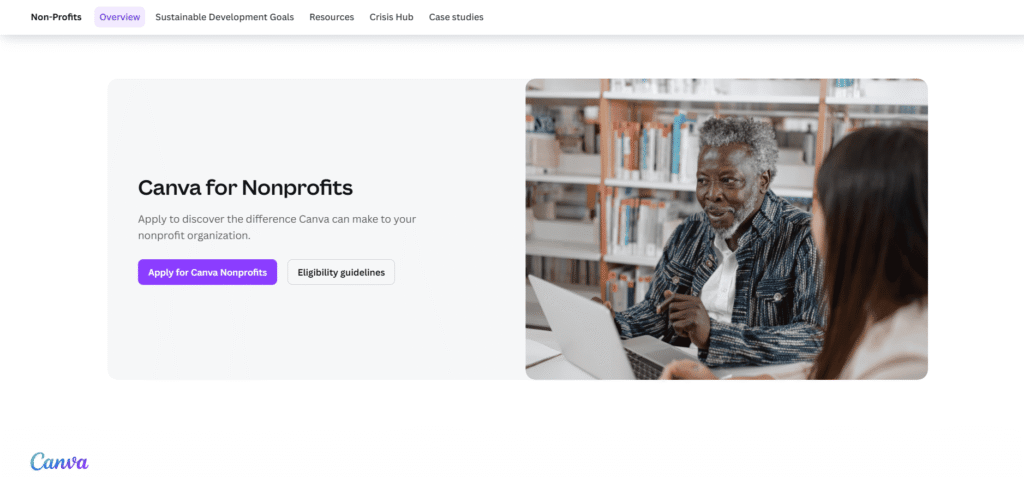
2. Canva: The Hidden Gem (And It’s Free!)
Best For: Teams who create a lot of graphics.
You probably know Canva as a design tool. But did you know it can also schedule your posts?
If you are already in Canva making a “Thank You Donors” graphic, you don’t need to download it. You can just hit “Share” and schedule it to Facebook or LinkedIn right from the Canva screen.
Why I love it for nonprofits:
Canva for Nonprofits is arguably the best deal on the internet. It is 100% FREE for premium features if you are a registered nonprofit (up to 10 team members). You get access to millions of premium stock photos that usually cost money.
Pros:
✅ Completely free for eligible nonprofits.
✅ Design & Publish: Do everything in one tab.
✅ Magic Resize: Turn an Instagram post into a Story in one click.
Cons:
❌ You can’t reply to comments inside Canva.
❌ It doesn’t give you deep reports on how your posts performed.
3. Hootsuite: The Heavy Lifter
Best For: Big organizations with lots of content and multiple staff.
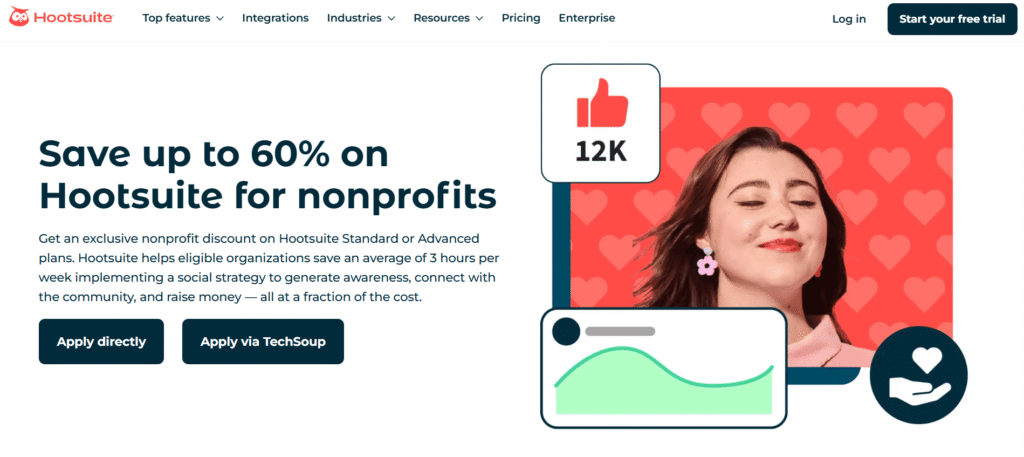
Hootsuite is the “Grandfather” of social media tools. It is a powerful beast designed for big teams that need to handle a lot of noise. If you need to schedule 100 posts at once (Bulk Scheduling) or listen to what people are saying about your cause on X (Twitter), this is the tool for you.
Why I love it for nonprofits:
They have a program called HootGiving. It offers up to 60% off their professional plans. It’s still more expensive than Buffer, but it’s worth it if you have a big team or complex needs.
Pros:
✅ Bulk Scheduling: Upload 350 posts via Excel to save hours of work.
✅ Social Listening: Find people talking about your cause (even if they don’t tag you).
✅ Integrations: Connects with your CRM and donor tools.
Cons:
❌ The screen can look a bit cluttered and scary at first.
❌ Even with the discount, it’s not the cheapest option.
Best For: Teams who only use Facebook and Instagram.
If your donors are mostly on Facebook and Instagram (which is true for most nonprofits), you might not need to pay for a tool at all. Meta Business Suite is Facebook’s own tool. It lives inside your Facebook page.
Why I love it for nonprofits:
It is free. Forever. It also lets you answer messages from Facebook and Instagram in one single inbox, which is great for catching donor questions before they get lost.
Pros:
✅ Totally free.
✅ Unified Inbox: Manage comments and DMs in one place.
✅ Ad Tools: Boost posts directly from the scheduler.
Cons:
❌ Only works for Facebook and Instagram (No LinkedIn, No TikTok).
❌ The interface can be slow and buggy sometimes.
5. Later: The Visual Specialist
Best For: Nonprofits targeting younger people on Instagram & TikTok.
Does your nonprofit rely on photos? Maybe you run an animal shelter, an environmental group, or you build houses. Visual stories matter. Later is built for visuals. It lets you see a preview of your Instagram grid so you can make sure everything looks perfect before you post.
Why I love it for nonprofits:
They offer a 50% discount for qualified nonprofits on monthly and annual subscriptions.
Pros:
✅ Visual Planner: Best tool for Instagram and TikTok aesthetic.
✅ Linkin.bio: Helps you turn your bio link into a donation portal.
✅ User-Generated Content: Helps you find volunteer photos to repost (with credit).
Cons: ❌ Not great for text-heavy updates on LinkedIn or Facebook.
6. Sprout Social: The Data Powerhouse
Best For: Proving “ROI” to your Board of Directors.
Let’s be real: Sprout Social is expensive, even with a discount. But if your Board keeps asking, “Is this social media stuff actually bringing in money?”, Sprout is the only tool that gives you a clear answer.
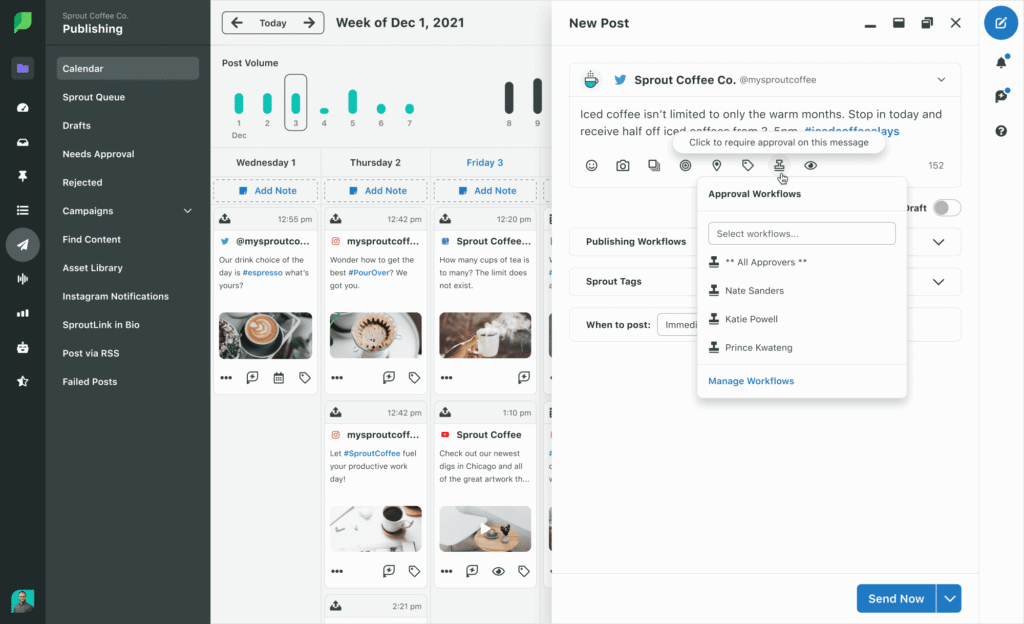
It has the most beautiful, easy-to-read reports in the industry. It connects social posts directly to website clicks and conversions better than anyone else.
Why I love it for nonprofits:
They offer specific nonprofit pricing (you usually have to talk to a sales rep). If you are a large organization running major fundraising campaigns, the data insights here are worth the investment.
Pros:
✅ Incredible Reports: PDF reports that will impress your boss instantly.
✅ Smart Inbox: Filters out spam so you only see important donor messages.
✅ Viral Post Technology: Tells you exactly the best time to post.
Cons:
❌ Pricey: It is a significant investment compared to Buffer.
❌ Overkill for small teams.
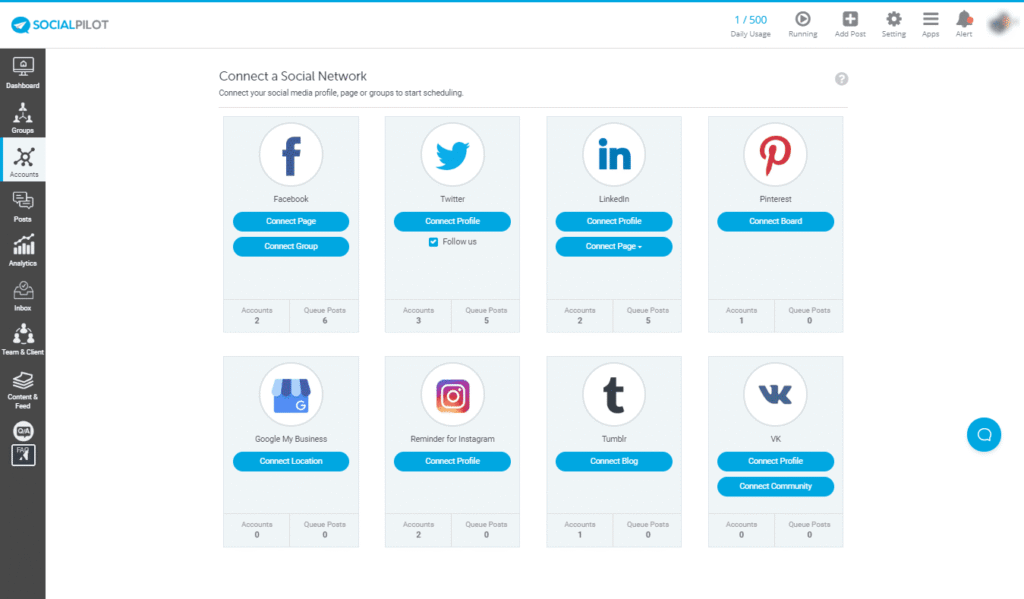
7. SocialPilot: The "Value" Choice for Teams
Best For: Mid-sized teams that are too big for Buffer but too poor for Hootsuite.
If you have 5 volunteers who all need to log in, Hootsuite gets very expensive because they charge “per user.” SocialPilot is different. They are famous for being the affordable alternative that doesn’t charge you for every single extra person.
Why I love it for nonprofits:
They offer a generous discount for nonprofits (usually upon inquiry). Their base price is already much lower than the big competitors, making it a steal for growing teams.
Pros:
✅ Great for Teams: Add multiple users without breaking the bank.
✅ Client Management: Great if you manage social for multiple different chapters or branches.
✅ Content Curation: Helps you find articles to share if you run out of ideas.
Cons:
❌ The interface isn’t as pretty as Sprout or Later.
❌ No free plan (only a free trial).
📝Important: How to Actually Get These Discounts
Here is the part most blog posts sYou don’t just get the discount automatically. You have to prove you are a nonprofit.
Step 1: Get your papers ready. You will need your official 501(c)(3) determination letter (in the US) or your country’s charity registration document. Save it as a PDF on your desktop right now.
Step 2: Sign up for TechSoup. Many companies (like Buffer and Asana) use a service called TechSoup to verify you. Go to TechSoup.org and create a free account. Get your “Validation Token.” You will need this code.
Step 3: Don’t pay full price! Do not just sign up on the homepage. Search Google for “Buffer for Nonprofits Application” or “Hootsuite HootGiving.” You usually have to fill out a special form or email their support team to get the lower price applied to your account.
Final Advice: What Should You Do Today?
If you are feeling overwhelmed, here is my simple plan for you:
Start with Canva. Apply for their nonprofit program today. It’s free and gives you professional design tools immediately.
Pick ONE scheduler.
If you have a budget, go with Buffer (it’s the easiest).
If you have no budget, use Meta Business Suite.
Batch your work. Don’t write posts every day. Sit down on Monday morning, write 3 posts for the week, schedule them, and then close the tab.
You have important work to do. Don’t let social media stress take over your mission. Automate it, and get back to changing the world.
Is there a truly free social media scheduler?
Yes. Meta Business Suite is free for Facebook/Instagram. Buffer also has a free plan (allows 3 channels), but it is limited (you can only schedule 10 posts at a time).
Can I schedule TikToks with these tools?
Yes! Later, Buffer, and Hootsuite all support TikTok scheduling now.
Which social media platform is best for nonprofits?
According to Statista, the usage share of social media for non-profits breaks down as follows:
- Facebook: 99%
- X: 95%
- Instagram: 95%
- LinkedIn: 82%
- TikTok: 30%

One Response
Amazing Information you shared!